Followkite resources
Stop follow up emails when someone replies
To stop follow up emails when someone replies, your sequence needs access to incoming mail and a rule that cancels the remaining messages after a human reply is detected. Followkite matches replies to campaign sends, stops that contact?s enrollment, and cancels its queued follow-ups.
By Followkite. Last updated . Product built by Shahab Dev.
14 days, no card needed. Paid plans from $15 per workspace per month.
How do automated follow up emails know when to stop?
A sending schedule cannot tell whether someone answered. The application must read the connected inbox, recognize the original campaign message, distinguish a human response from an automatic reply, and update the contact before its next message goes out. Those are separate operations, so a successful send does not prove reply detection is working.
Followkite keeps the campaign?s send identifiers and matches incoming mail against them. When a human reply is recorded for an active enrollment, its status becomes stopped with the reason Replied. Remaining queued jobs for that enrollment are cancelled. This is an enrollment-level action: it does not silently remove the contact from every unrelated campaign or mark an entire organization as uninterested.
How do you set up reply detection?
- Connect the sending mailbox. For Gmail or Google Workspace, authorize the requested read permission as well as send access. For a domain mailbox, supply working IMAP credentials alongside SMTP.
- Check the connection. Open the inbox detail page and confirm its health. Resolve any reauthorization request before launching more contacts.
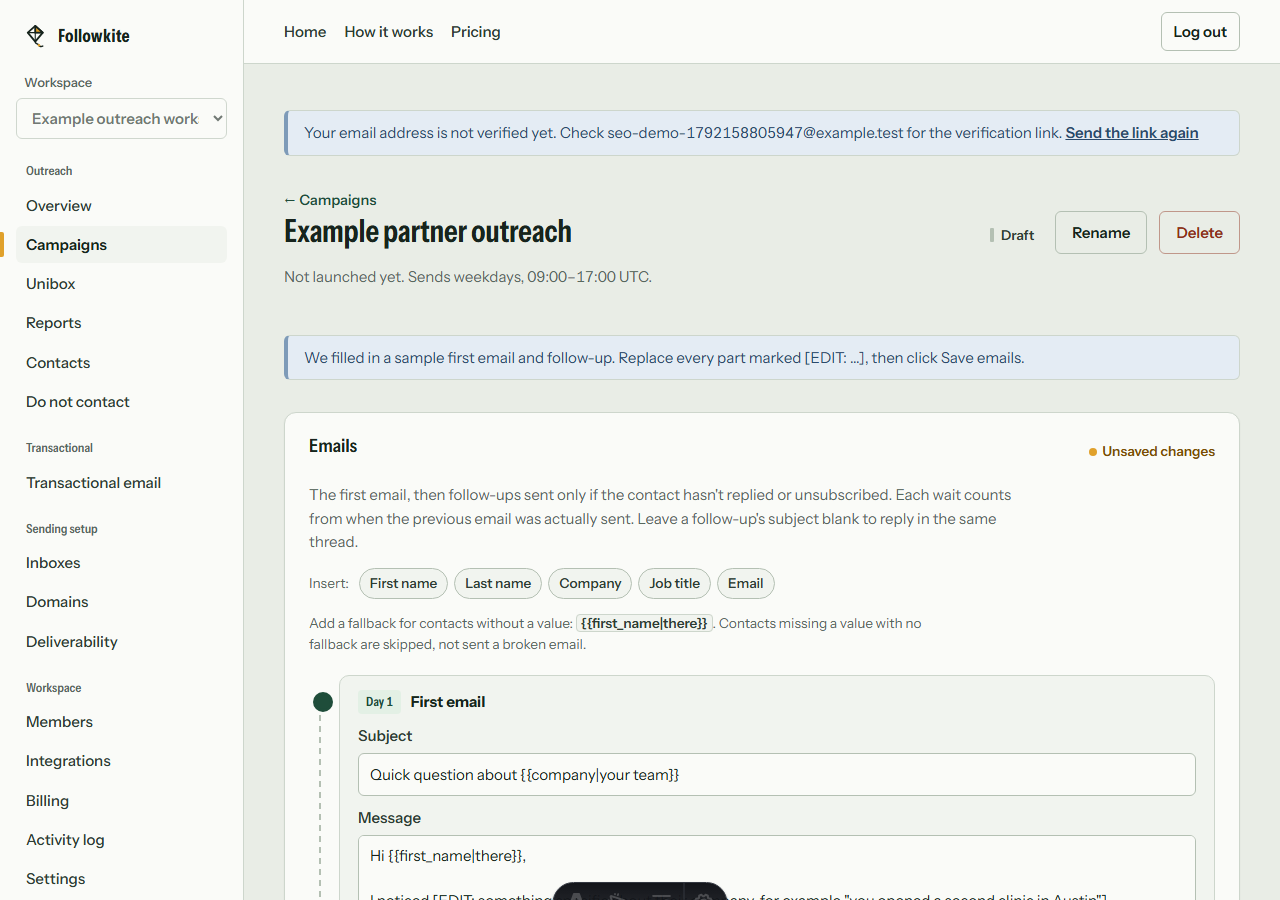
- Create a small sequence. Use a first message and a short follow-up separated by a realistic delay. Followkite supports up to ten sequence emails, but you do not need to use every step.
- Test with an address you control. Send the first message, reply as a person, run or wait for synchronization, and inspect the enrollment and queued jobs.
- Check the stopped reason. Confirm Replied rather than assuming that an open, click, or an unrelated message stopped the sequence.
What happens after each kind of response?
| Event | What to expect |
|---|---|
| Matched human reply | Enrollment stops and queued follow-ups are cancelled. |
| Automatic absence reply | Recorded as an auto-reply; the enrollment does not stop solely for this event. |
| Hard bounce | The enrollment stops and the address is suppressed. |
| Unsubscribe | Workspace suppression prevents further campaign sends to that address. |
| Open or click | Engagement information; not a human reply or a reason to assume consent. |
Why might a follow-up still go out?
First compare timestamps. A message already dispatched before the reply was synchronized cannot be pulled back. Next check that Gmail read access remains authorized or that the IMAP password still works. A token expiry, disabled IMAP access, or temporary mailbox error can delay the event that stops the sequence.
Also check identity and threading. A response from another address, a forwarded conversation, or a rewritten subject can require manual review rather than a confident automatic match. Pause the campaign while investigating. Do not shorten delays to compensate for slow synchronization, and do not treat an out-of-office response as an invitation to keep sending indefinitely.
What should the team do after a real reply?
Move from the scheduled pitch to a personal conversation. Open the thread in Unibox, confirm which inbox received it, and answer the actual question. If the person asks to stop, suppress the address rather than simply archiving the thread. Keep the response owner clear so two teammates do not send separate answers to the same prospect.
The practical test is the absence of the unwanted next message, not a claim that reply detection is instantaneous. Review an example enrollment after every mailbox configuration change and after reconnecting an account. That check gives you direct evidence that incoming access and outgoing sequence controls still work together.
What does Followkite cost?
Plans are billed per workspace. Mailbox hosting and domain registration are separate purchases. Choose a plan by total campaign sends, including follow-ups, rather than the size of your prospect list alone.
| Plan | Monthly price | Inboxes | Campaign emails / month |
|---|---|---|---|
| Starter | $15 | 5 | 3,000 |
| Growth | $40 | 25 | 15,000 |
| Scale | $100 | 100 | 60,000 |
The trial lasts 14 days with Starter limits and every feature. Followkite has no permanent free plan, inbox warm-up network, or guarantee of inbox placement. Review the full pricing and billing terms.
Frequently asked questions
Does an out-of-office reply stop the sequence?
An automatic out-of-office reply is classified separately and does not automatically stop the enrollment. Review absence dates and pause or adjust the campaign when needed.
Can Followkite stop a message already being sent?
It cancels queued jobs when a matching reply is processed. A message already dispatched to the provider cannot reliably be recalled. Reply detection depends on successful mailbox synchronization.
Can I auto stop an email sequence on reply with SMTP?
Yes, connect both SMTP for outgoing mail and IMAP for incoming replies. SMTP credentials alone do not provide access to incoming messages.
Build a small campaign you can review
Connect a mailbox you control, check the audience and suppression list, and test with your own address before launching.
Create your workspace